
Access UniFi cameras on a PC and phone
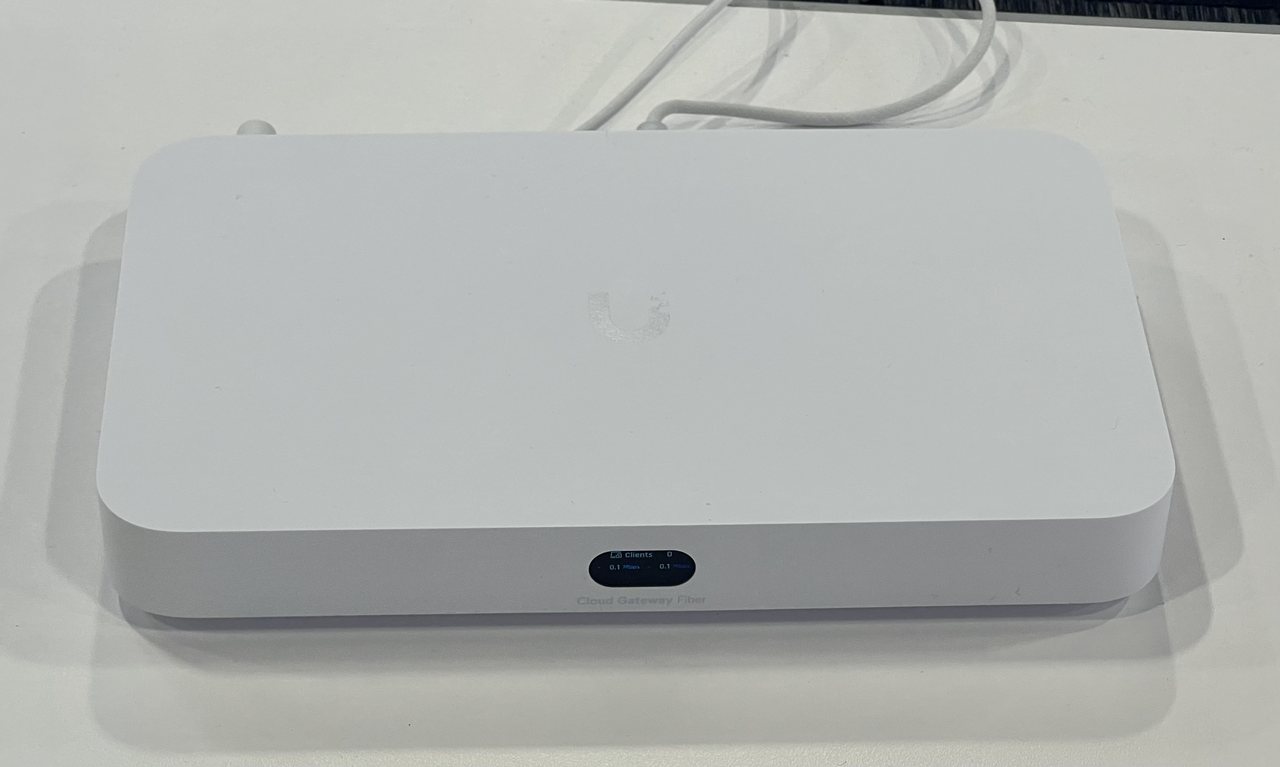
UniFi Protect is Ubiquiti’s camera system. Live view and recordings live on your UniFi console (UNVR, Cloud Gateway, or similar) — not in a monthly cloud plan. Use the Protect application, not the UniFi Network app, when you want cameras.
1. Access on a computer
- Open unifi.ui.com and sign in with the same Ubiquiti account used when the system was set up.
- Select the console, then open Protect.
- On the same LAN you can also browse to the console’s local IP and open Protect there.
- Live view, playback, and downloads are all in Protect. Adding the console once shows every adopted camera.
2. Access on iPhone or Android
- Install UniFi Protect from the App Store or Google Play — Ubiquiti Inc. only.
- Sign in with the same UI account.
- Select the console. Live view and events are on the dashboard.
- If you are invited as a viewer, accept the share in the app instead of using the owner password.
Official apps
- UniFi Protect on the App Store
- UniFi Protect on Google Play
- Ubiquiti software downloads
- Getting started with UniFi Protect
Common problems
- Camera missing from Protect. It may be adopted only in Network. Adopt it in the Protect application.
- Remote view will not load. The console needs internet, and you must be signed in with an account that has access to that site.
- Wrong app. UniFi (Network) manages switches and Wi-Fi. UniFi Protect is the camera app.